OMEGA TripWire, powered by OMEGA AI Intelligence

Perimeter monitoring · South Africa

Know the moment your boundary is crossed.

OMEGA TripWire combines your cameras and electric fences into one live picture of your property. AI checks every trigger, and a clear alert reaches your phone and your control room.

Telegram and WhatsApp alerts · Live map · Incident records
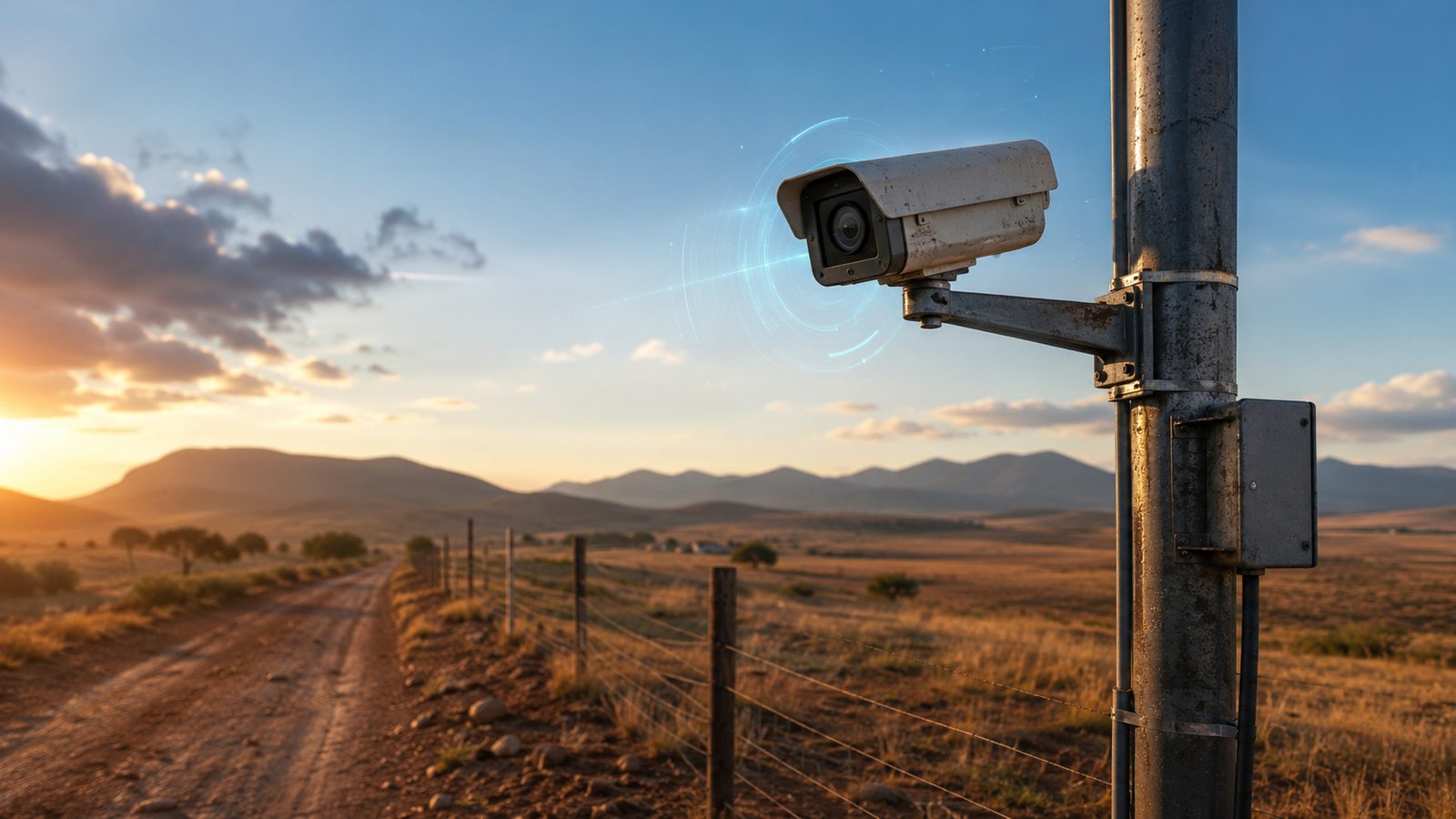
A security camera on a pole beside a farm fence and dirt road at sunset Example alert
New alert · 02:14:07 Person detected
CAM 02 · North-EastPhoto and map sent to Telegram and WhatsApp
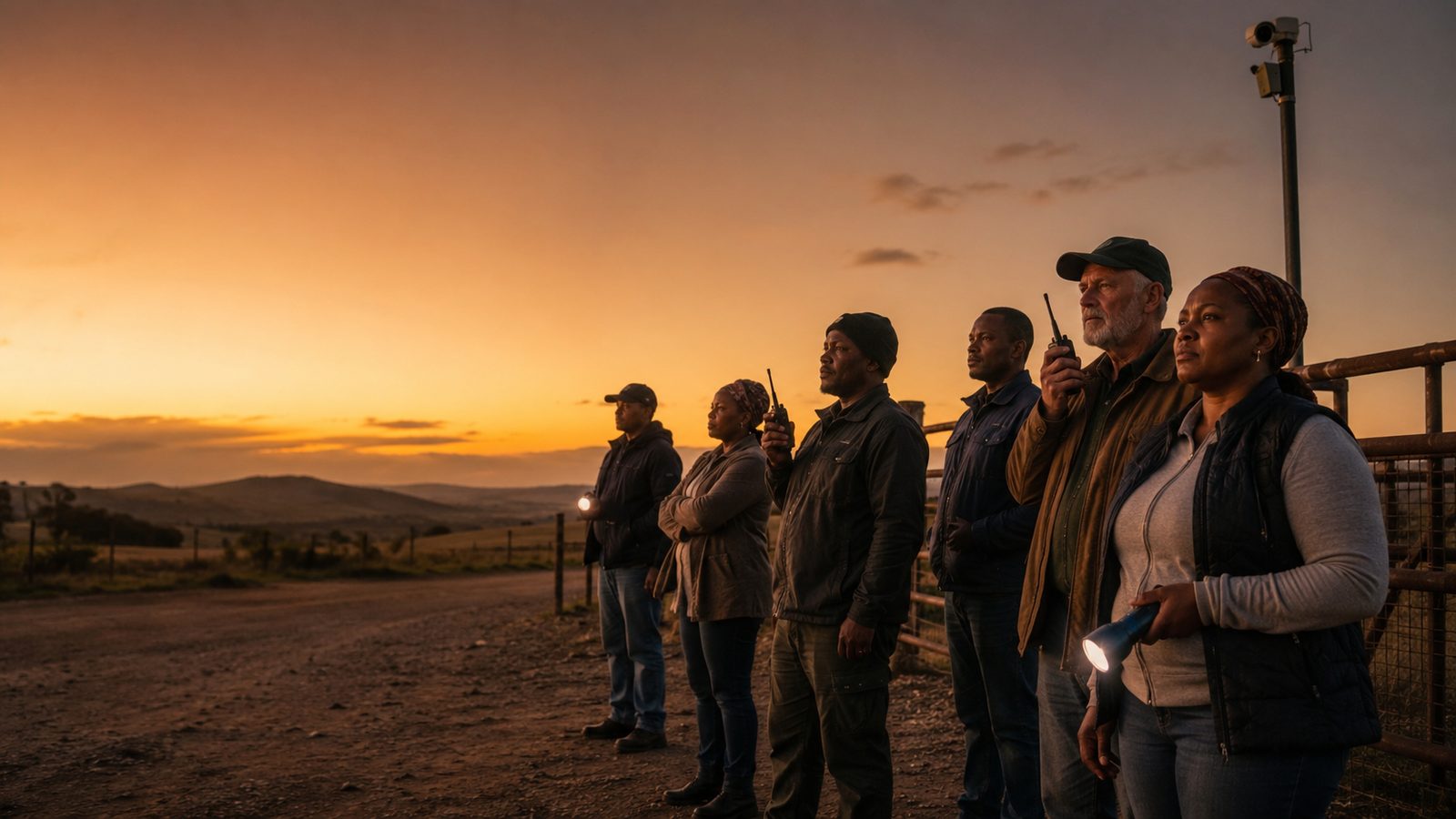
A group of farmers and community patrol members with radios and torches standing at a farm gate at dusk

Built for people who protect land

Neighbours, farm owners and security teams already watch out for each other. TripWire gives them one shared picture to do it with.

Farms and estates

Watch fence lines, gates and dams around the clock, and keep a dated record of every incident.

Community patrol groups

Share one map, run patrol and quick-reaction rosters, and send clear reports to SAPS.

Security companies

Give your control room one view across clients, with roles that keep each client's data separate.

From trigger to response, in four steps

Every event follows the same path, so your team always knows what happened, where, and what to do next.

Step 1 · Trigger

Something moves

A camera captures movement, or an electric fence raises an alarm.

Step 2 · Check

AI looks first

The image is analysed to tell people, vehicles and animals apart, so you are not woken for every shadow.

Step 3 · Alert

You are told

A branded photo with the camera's location on a map goes to Telegram and WhatsApp.

Step 4 · Respond

Your team acts

The event appears on the live map. Operators open an incident, attach evidence and follow it through.

Command Centre

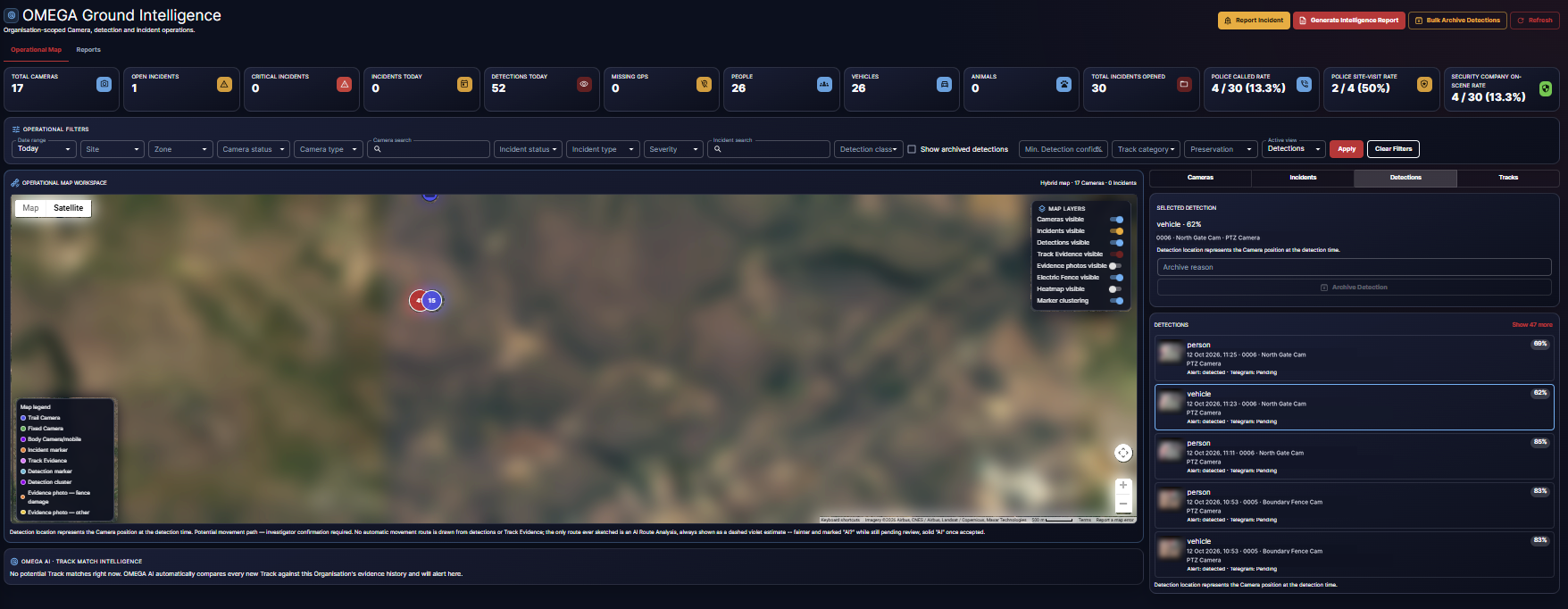
Your whole boundary on one live map

Operators see what is happening now and where it has happened before.

  • Cameras, incidents, detections and track evidence on separate layers you can switch on and off.
  • A combined heatmap shows where activity clusters over any date range.
  • A new event sounds an alarm, pulses its marker and zooms the map to the spot.
  • Fence zones are drawn from their own GPS corners and flash red when they alarm.
OMEGA Ground Intelligence
Screenshot from a live system. Names and map imagery changed.Click to enlarge

Today at a glance

Cameras, incidents, detections, people, vehicles and animals counted for the day.

Filters that find it fast

Narrow by date, site, zone, camera, incident type, severity or detection class.

Every detection listed

Class, confidence, camera and alert status for each detection, next to the map.

Everything a patrol needs to see, record and report

One platform for alerts, incidents, evidence, rosters and reporting.

Verified alerts

Camera images are checked for people, vehicles and animals. The alert photo shows the whole scene, the camera's location on a map and, when the image allows, a close-up of the subject. Each camera has its own schedule and alert classes.

Live Command Centre map

Cameras, incidents, detections and a combined heatmap on one map. A new event rings an alarm, pulses its marker and zooms the map to the spot.

Incident management

Numbered incidents with a full status history, photo and file attachments, and GPS entry from Google Maps coordinates.

Footprint and track evidence

Photograph tracks, and the AI describes the tread and suggests possible matches across incidents. An investigator accepts or rejects each match. Original files are protected with a SHA-256 hash and a chain-of-custody log.

Intelligence reports

Branded PDF reports with hotspot analysis, a heatmap image, time patterns and resource suggestions. AI writes the narrative, a person reviews it, and the counts always come from your own records. Formats suit SAPS and community use.

Patrol rosters and interventions

Weekly patrol and quick-reaction-force rosters that publish and lock, with a full revision history. Log tactical actions such as a joint patrol and see incident numbers before and during each one.

Regional groups

Link several farms or communities into one read-only regional view. Each owner keeps their own data private from the others.

Roles and permissions

Owner, admin, control room operator and viewer roles, so each person sees and does only what their job needs.

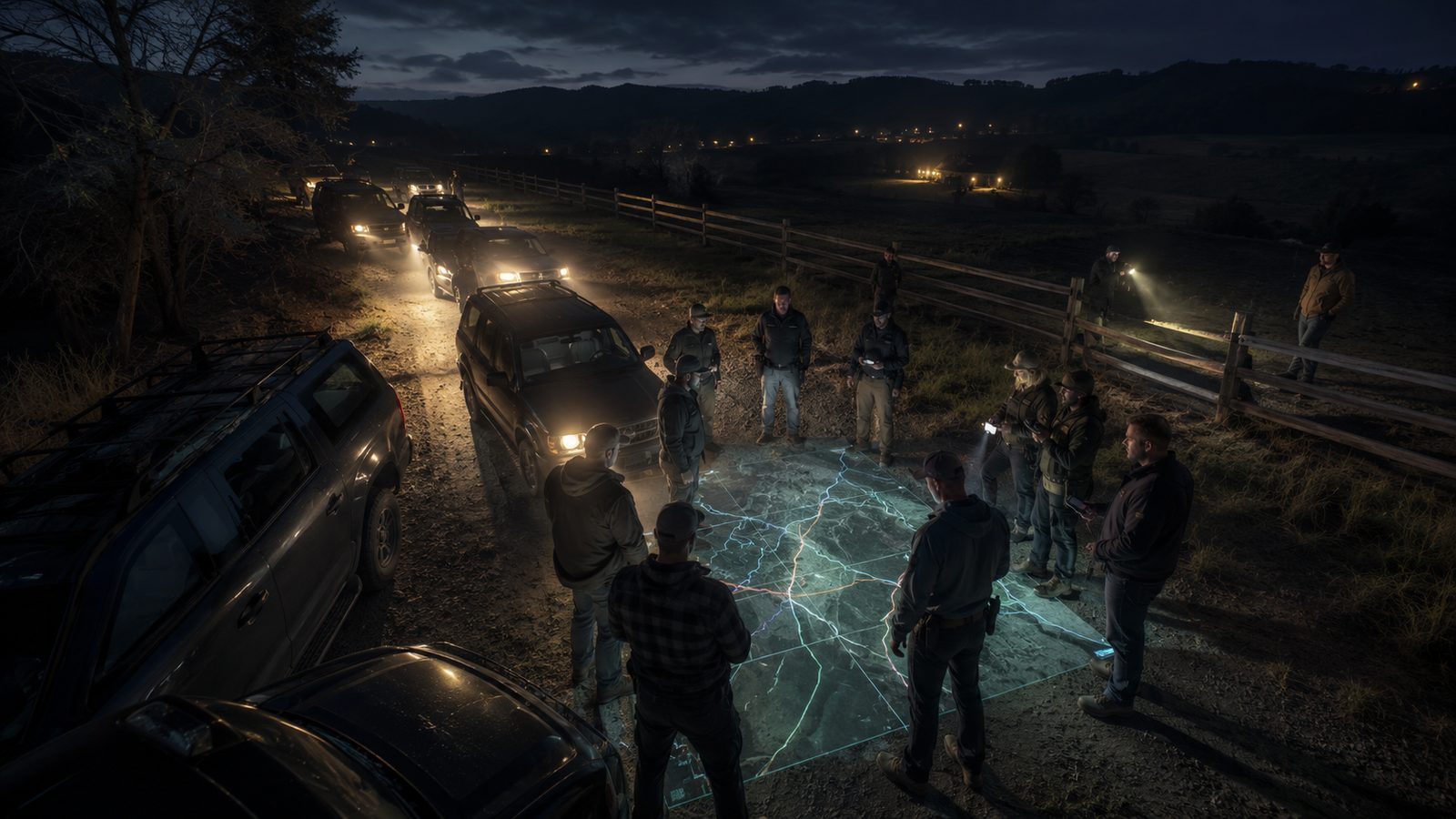
Patrol members gathered at night around a glowing map on the ground beside a farm fence, with vehicles and torches

One picture for the whole response

When something happens at night, everyone works from the same map, the same incident and the same roster.

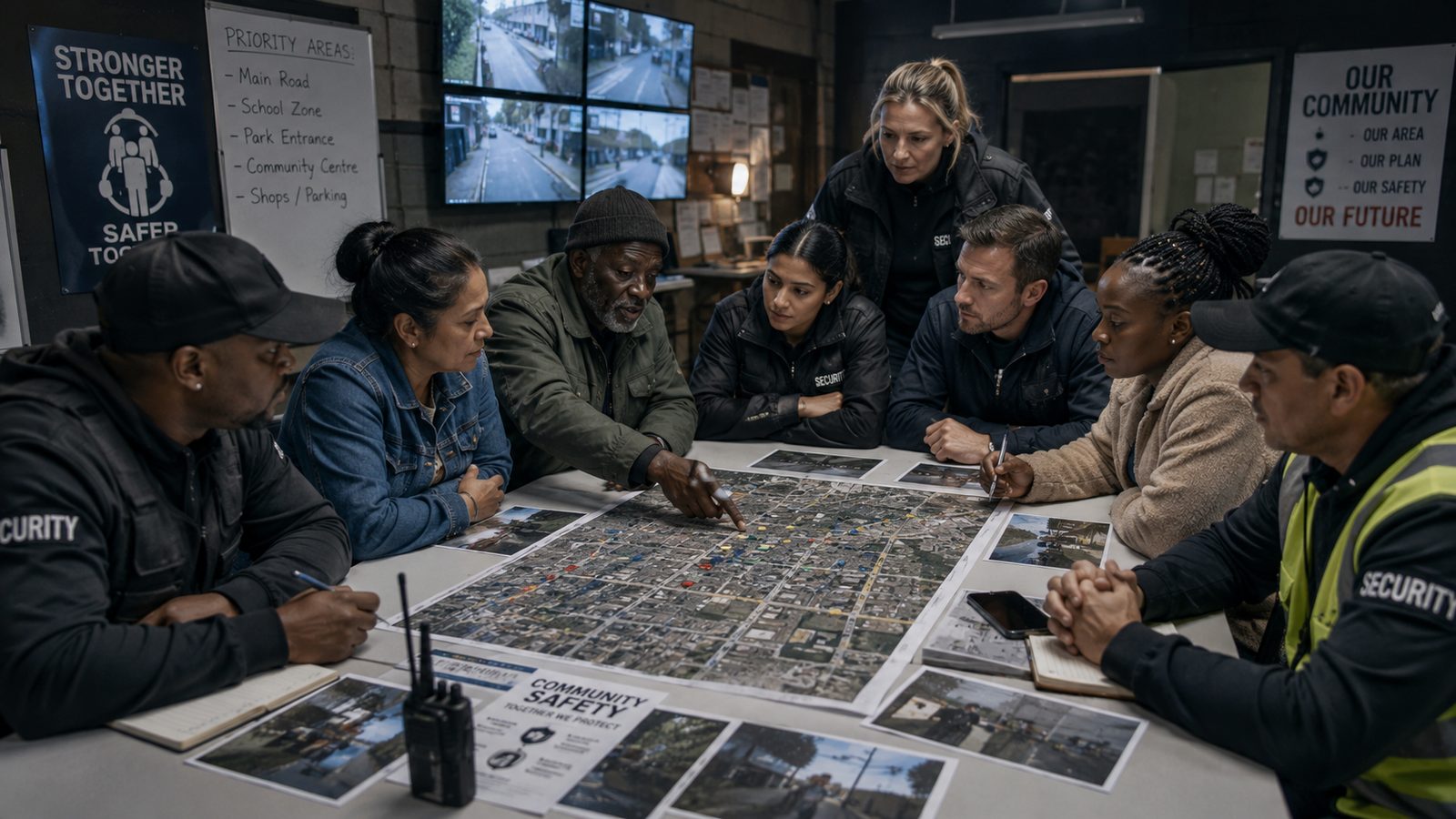
Community patrol members and security staff gathered around a large aerial map in a control room with CCTV screens

Reports and evidence

Records your community and SAPS can use

TripWire turns a season of incidents into a report you can put on the table. Hotspots, time patterns, photographs and track evidence are laid out the way a station commander expects to read them.

  • Reports are reviewed and approved by a person before they are issued.
  • Counts come straight from your incident and detection records.
  • Evidence files keep a tamper-evident hash and a chain-of-custody log.

Works with the equipment you already have

Keep your cameras and fences. TripWire connects to them and adds the checking, mapping and record keeping.

Cameras

Connect FTP-upload cameras through the OMEGA Gateway, or link cloud cameras from popular consumer brands.

  • FTP cameras
  • Tuya / Smart Life
  • EZVIZ
  • UBOX

Electric fences

JVA Cloud Router alarms become incidents. The fence section pulses on the map and your team is alerted, with each fence zone drawn from its own GPS corners.

  • JVA Cloud Router
  • Low voltage
  • Tamper
  • Device fault notice

Alert channels

Alerts and daily camera reports go to the groups your people already use.

  • Telegram
  • WhatsApp
  • Command Centre

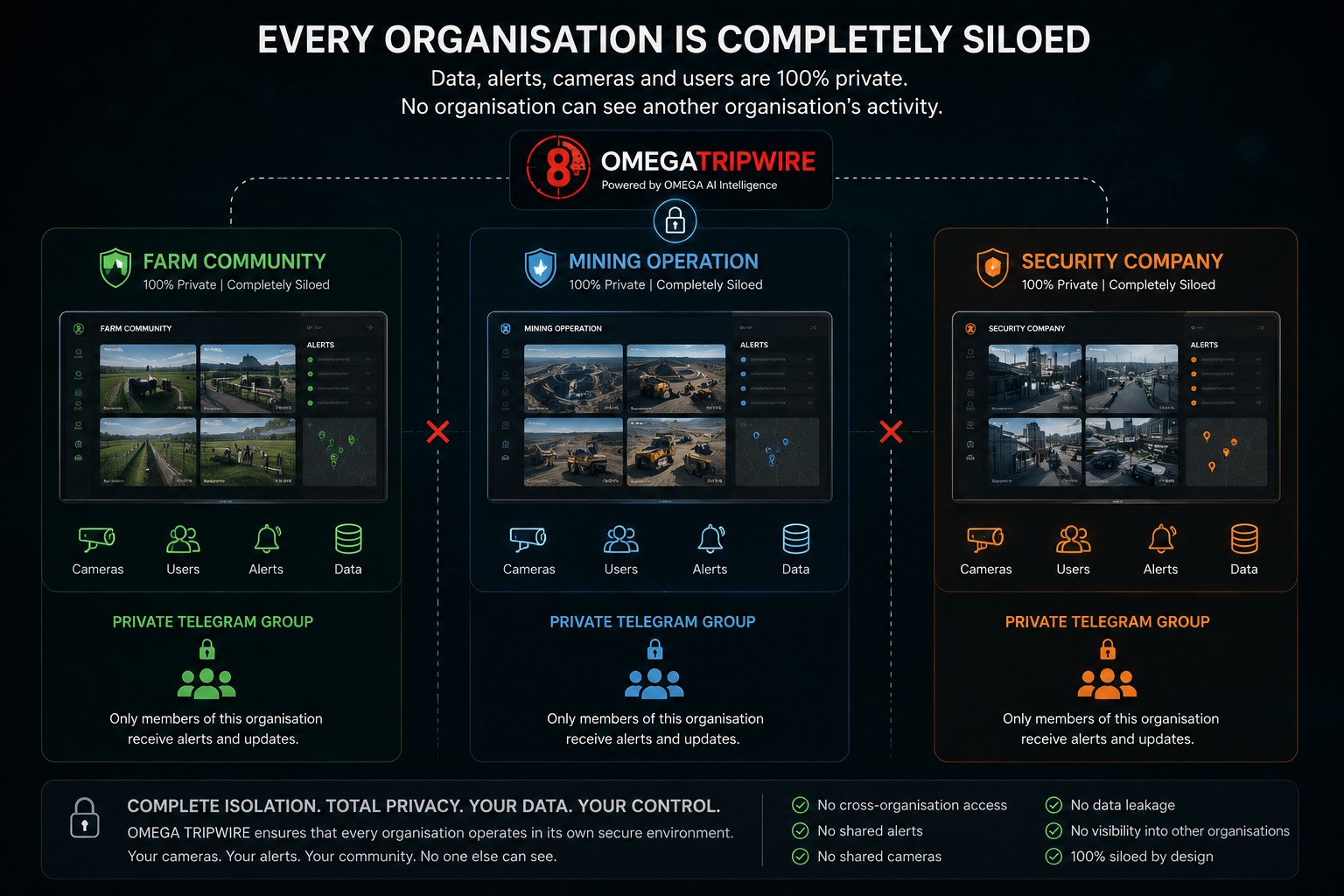
Every organisation stays private

Each farm, community or company works in its own space with its own cameras, alerts and users.

Diagram showing a farm community, a mining operation and a security company each in its own private, separate TripWire space with its own cameras, users, alerts, data and Telegram group

Regional groups are read-only views set up by OMEGA. They let neighbouring communities share a picture without changing who owns the data.

AI suggests. People decide.

TripWire's AI flags what it sees and drafts what it can. It does not name people or declare anyone guilty. Track matches and report text are reviewed by your team before they are treated as confirmed, and original evidence is never overwritten.

Four pairs of hands holding the OMEGA emblem against a sunrise over farmland with a camera pole and fence

See TripWire on your own boundary

Tell us about your property or patrol area and we will walk you through a demo built around it.

Request a demo
info@omegasecurity.ai
Email us